
Best CRM for Tradesmen: What to Look For in 2026
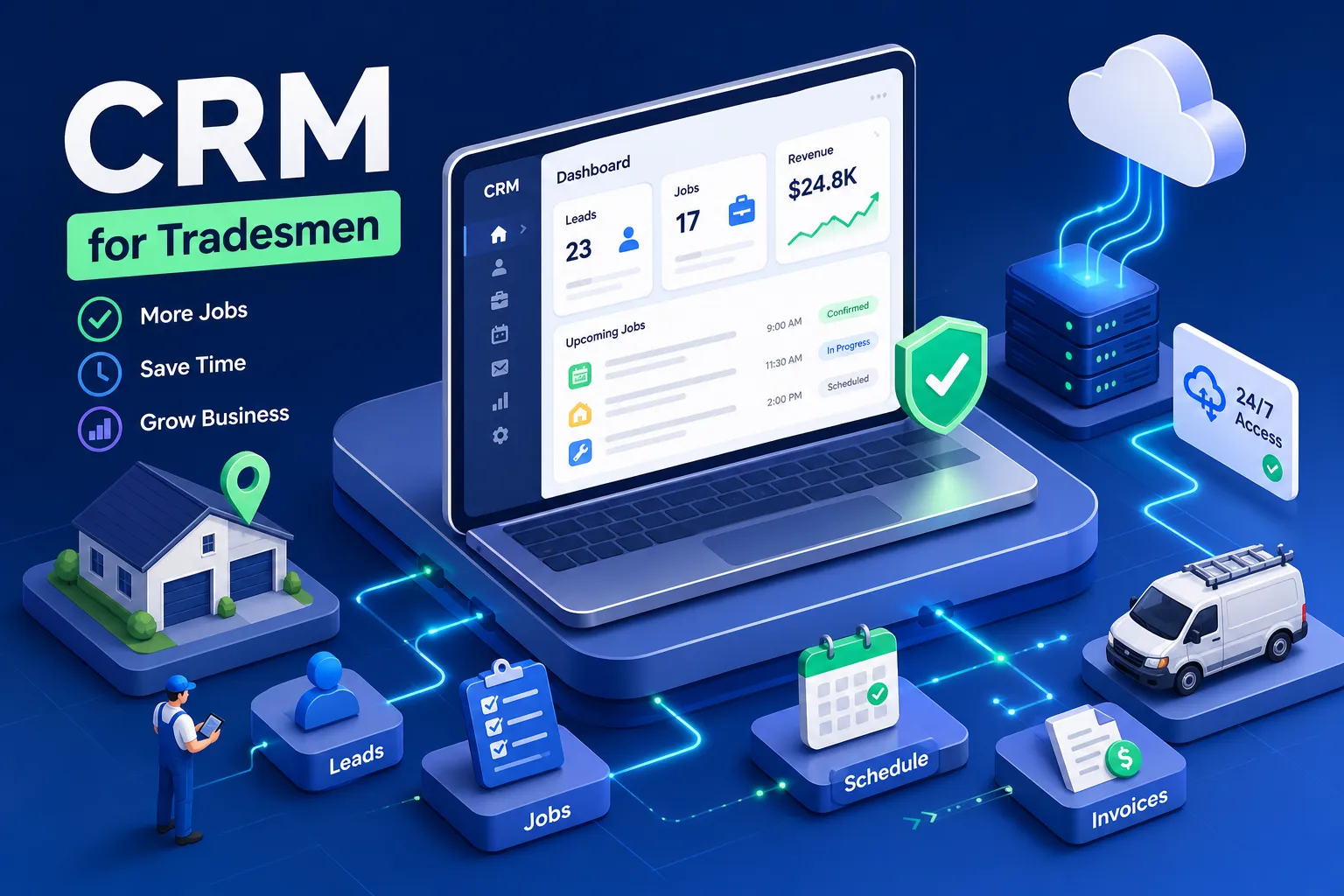
Most tradespeople don't lose jobs because of bad workmanship. Many report losing them because of operational gaps: a missed call at 6pm, a quote that never got followed up, a customer who texted and heard nothing back for four hours. The right CRM for tradesmen promises to fix that gap, but most of the platforms filling those search results were built for sales reps sitting at desks, not electricians under a panel box or plumbers midway through a crawl space repair.
This guide cuts through the marketing noise. It's a practical buyer's framework built around how trade businesses actually run, covering which features matter, which platforms fit which business sizes, and what real users report after switching. There's also one revenue gap that no CRM in this comparison actually closes, and that piece matters more than most buyers realize.
What Generic CRMs Miss About How Trade Businesses Actually Work
Most CRM platforms were designed for B2B sales pipelines: managing deals, tracking email open rates, moving contacts through a funnel. When a tradesman tries to force-fit that structure into a field service operation, the mismatches show up fast. A plumber doesn't need a Kanban board for prospect stages. They need to see which technician is closest to the next job and get an estimate into the customer's hands before a competitor does.
Built for Sales Reps, Not Job Sites
Platforms like HubSpot and Pipedrive are solid tools for what they were designed to do: manage leads and automate email sequences. But they have no native concept of dispatching a crew, generating an on-site estimate from a phone, or tracking job completion photos. Getting these functions to work in a generic CRM requires third-party integrations that can push real monthly costs to $500 to nearly $5,000 per month, far beyond what the pricing page suggests.
No Support for the Workflows That Actually Drive Revenue
Trade work runs on scheduling precision, on-site documentation, and fast invoicing. Generic platforms require custom builds or expensive add-ons to replicate what a purpose-built contractor CRM handles out of the box. For most owner-operators managing a one-to-three person crew, that added complexity doesn't solve the admin problem. It creates a new one.
CRM for Tradesmen: Must-Have Features
Not every platform is built equal, and knowing which features are non-negotiable helps narrow the shortlist before you start any free trial. Trade-specific CRMs either earn their keep or fall apart in these areas.
Mobile-First Design and Offline Job Access
Tradespeople need to access job details, update statuses, and capture photos on-site without reliable Wi-Fi. Platforms that require a browser or a live connection break down at exactly the moments you need them most: inside a commercial building with no signal, or in a basement with spotty reception. Mobile-native apps with offline capability aren't a bonus feature; they're a baseline requirement for any contractor CRM worth paying for.
On-Site Estimating, Photo Documentation, and Scheduling
A solid field service CRM should generate estimates from the job location, support before-and-after photo capture, and connect directly to a drag-and-drop scheduling calendar. These features define whether a platform actually saves time or just shifts your admin from paper to a screen. If a tradesman has to switch between three separate tools to quote, schedule, and document a job, the system is working against them.
QuickBooks Sync and Automated Invoicing
Every hour spent manually exporting jobs to accounting software is an hour not spent on billable work. Native QuickBooks integration and automatic invoice triggering on job completion are the features that directly close the cash flow gap. This is where platforms like Jobber stand out: their two-way QuickBooks sync keeps the books clean without requiring a bookkeeper to babysit the process.
How the Top CRM for Tradesmen Options Compare in 2026
The right platform depends on your business size, trade type, and how much complexity your team can realistically handle during the first 90 days. Across implementation studies, the tools that get adopted are consistently the ones that don't require a consultant to set up. For data on typical rollout windows and realistic deployment timelines, see research on CRM implementation timeframes for successful deployment.
Best for Solo Operators and Small Crews
QuoteIQ ($29.99/month) and Jobber ($19/user/month) are the strongest options for tradesmen running teams of one to five people. QuoteIQ was built by contractors, and it shows: features like on-site photo quoting and property measurement tools address real job-site needs rather than theoretical sales workflows. Jobber leads on scheduling depth and QuickBooks integration, and user reviews on platforms like Capterra and G2 consistently show teams getting operational within a single day rather than going through weeks of setup. For a solo plumber or electrician, Jobber wins on affordability and simplicity. For a small home service contractor focused on rapid quoting, QuoteIQ earns serious consideration. For a broader comparison, check a roundup of the best home service CRMs for trade contractors.
Best for Construction and Project-Heavy Trades
BuilderTrend ($499/month) suits builders and remodelers who need project management layered into their construction CRM workflow. The platform handles the complexity of multi-phase builds in a way that simpler tools weren't designed for. Monday CRM ($12/user/month) offers a flexible middle ground for construction teams that need customization without committing to enterprise-level pricing. Neither is the right starting point for a solo electrician, but both serve their target use cases well.
What Pricing Actually Costs Versus What's Advertised
Starting prices rarely reflect what small trade businesses end up paying after 12 months. Data migration, onboarding sessions, per-user fees, and add-on modules push real costs significantly higher than the headline number. According to Gartner CRM implementation research, 78% of implementations take three to six months to complete, and that timeline carries a real cost in staff time and lost productivity. Before committing to any platform, compare total 12-month cost of ownership, not just the monthly subscription.
What Tradesmen Actually Report After Switching to a New CRM
The gap between what a CRM promises and what it delivers in the first 90 days is where most implementations fall apart. The pattern in one-star reviews is consistent across platforms: the tools that get abandoned share the same failure modes.
Onboarding Complexity That Kills Adoption
Tradesmen report needing multiple consultant calls and structured onboarding sessions before their team can use a new platform reliably. When the setup feels harder than the problem it's supposed to solve, most teams revert to spreadsheets or notes apps within weeks. The platforms that survive adoption are the ones with shallow learning curves and interfaces that make sense on a phone screen, not a wide-monitor dashboard. According to Salesforce's State of CRM data, the average adoption rate sits at just 26% across all industries, and trade businesses face steeper headwinds than most because the people using the tool are tradespeople, not tech workers. Vendors addressing electricians also publish targeted guidance, for example, see resources on CRM for electricians.
Hidden Costs That Add Up Faster Than Expected
Beyond subscription fees, small trade businesses typically absorb data migration costs, training time, and lost productivity during the transition period. Data integrity issues during import are a common complaint, with some platforms requiring expensive data scrubbing to fix errors after the fact. The total cost of ownership is rarely discussed upfront and almost always higher than the pricing page suggests. Build a 12-month budget estimate before you sign any contract, including onboarding, training, and integration costs.
Why Even the Best CRM Still Leaves Revenue on the Table
A CRM manages jobs that are already booked. It does nothing about the call that went to voicemail at 7pm, the lead who texted and got no reply for four hours, or the happy customer who finished a job and never got asked to leave a Google review. This is where most trade businesses leak revenue quietly, every single week. And the numbers make the problem concrete.
A Harvard Business Review and InsideSales study found that leads contacted within five minutes are 21 times more likely to convert compared to leads contacted after 30 minutes. The average home service business takes 42 minutes to respond. That gap is where jobs go to competitors, and most job management software in this comparison provides no automated response in those critical first minutes.
The Gap Between Job Management and Revenue Capture
A field service CRM tracks work from booking to completion. But the revenue cycle starts earlier, at the first missed call or unanswered inquiry, and it extends further, past the invoice to payment follow-up and the review request that drives the next booking. Every platform in this comparison handles the middle of that cycle. Most of them don't close the full loop from initial contact through to review collection.
How MADLABZ Fills the Gap CRMs Leave Open
MADLABZ was built specifically for this layer. Rather than replacing a CRM, it handles the revenue recovery work that CRMs don't touch. On the inbound side, that means AI-powered missed-call response that replies within seconds and automated booking that converts inquiries into confirmed appointments. On the post-job side, it handles instant invoice sending triggered on job completion, payment follow-up that runs without manual chasing, and SMS review requests sent to happy customers at the right moment. It runs in the background while the tradesman stays focused on billable work. The result is a system that captures and converts leads around the clock, even when the owner is under a sink or halfway through a wiring job.
How to Shortlist the Best CRM for Tradesmen
The decision process comes down to three honest questions every tradesman should answer before committing to any platform. Getting these right upfront saves months of wasted time and avoidable switching costs.
Questions to Ask Before You Sign Up
Start by asking whether the mobile app works offline at a job site with no signal. From there, find out if the platform can generate an estimate and convert it to an invoice without switching tools. Finally, get a straight answer on what onboarding actually costs in time and money, beyond the subscription fee. Any CRM for tradespeople that can't answer all three questions clearly is a risk worth avoiding, regardless of how strong the feature list looks on paper.
How to Run a Clean 30-Day Pilot
Pick one workflow to test, not the entire business. Run new inquiries through the CRM for 30 days and measure what matters: lead-to-booked-job conversion rate, time saved on admin per week, and team adoption rate. If the numbers don't move, the tool isn't the right fit. Pair the CRM with a revenue recovery layer to capture everything the system would otherwise miss, because even a well-adopted CRM can't recover the calls it never received.
The Decision Comes Down to Fit, Cost, and the Gaps You Account For
Choosing the right CRM for tradesmen means matching the platform to your trade type and team size. Jobber or QuoteIQ work well for small crews; BuilderTrend fits project-heavy construction work. Prioritize mobile reliability and QuickBooks integration above everything else. Factor in real 12-month implementation costs before you commit to any subscription. These are the filters that separate the right platform from a frustrating six-month detour.
Job management software is only part of the picture. The revenue that slips through any CRM's cracks, missed calls, slow replies, unpaid invoices, reviews that never get requested, requires a separate automation layer to recover. That's exactly the gap MADLABZ was built to close.
Before you choose any tool, find out what your current gap is actually costing you. Use the MADLABZ Revenue Loss Calculator to put a dollar figure on missed calls and slow follow-ups, or book an Automation Audit to identify where your business is leaking revenue right now. Start with the numbers, then choose the tools that fix them.
Is Your Service Business Leaking Revenue?
No matter how good your CRM is, missed calls, slow response times, and uncaptured reviews will cost you jobs. Let's find out exactly how much you can recover.